HVAC
Stop losing HVAC jobs you already earned.
A missed call in July is a lost replacement. An unsold estimate is a customer still waiting on you. Trades Operator catches both, follows up on them, and shows you the money in your own records.
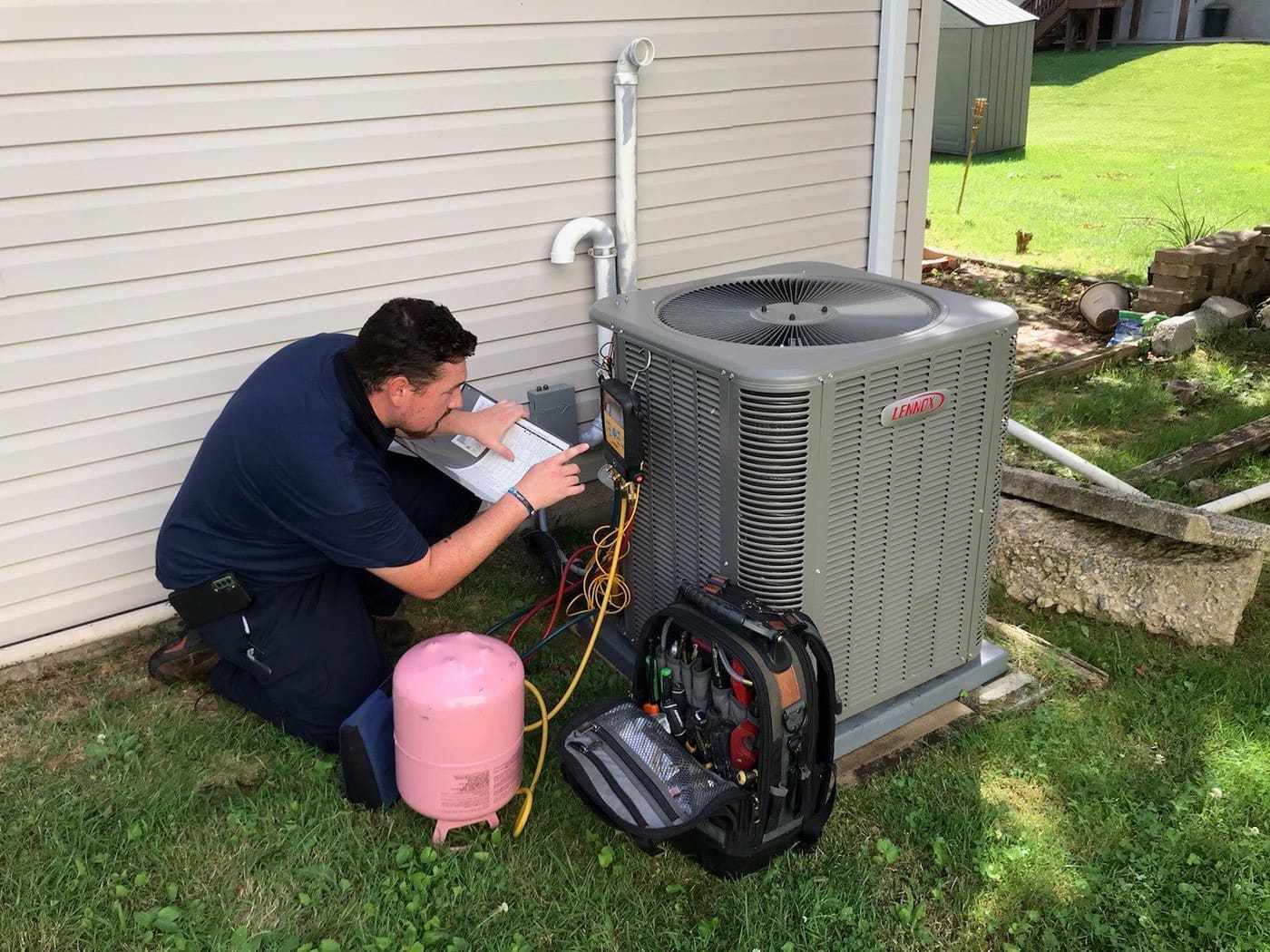
Lost revenue
Four places an HVAC shop quietly loses money.
Missed calls
When nobody picks up, Operator can text the caller back and drop the call into your queue as a draft lead. Voice AI can answer the calls your rules send to it.
Lost bids
A stuck-estimates report shows what is still open and for how long. An unsold-estimate follow-up program drafts the nudge.
Lapsed customers
A dormant-customer program finds people you have not served in a while and invites them back, within their marketing consent.
Maintenance due
Seasonal service renewals, plus a worklist of agreement renewals and warranty expirations you can turn into follow-up tasks.
How it works
Built around how the work really runs.
Your Pricebook, built once and used on every estimate.
Set up each service with its labor, materials, equipment, field checklist and a minimum gross margin. Then fill estimates from it instead of typing numbers from memory.
- Internal cost and customer price on every item
- Field checklists for each service, so steps are not skipped
- Technician skills guide who gets the call
Good, better, best proposals the customer can choose from.
Offer three options on one estimate, mark the one you recommend, and send a private link. The customer reviews, picks and signs. Operator can draft the options from your Pricebook for you to review.
- Approval and signature on a private customer page
- Collect a deposit after they approve
- Accepted work turns into an invoice
Maintenance that comes back around.
Keep service agreements and recurring visits on the customer record. The Operations worklist flags agreement renewals and warranty expirations, and you turn each into an internal task for a named person.
- Spring and fall tune-up programs on the customer
- Nothing is sent to the customer until you decide
- Seasonal renewal automation you switch on yourself
Operator works like a member of your staff.
Ask in plain words and get an answer from your own jobs, calls and invoices. Tag @Operator in a team thread and it replies using only what that person is allowed to see. When there is a next step, it suggests it and waits for you.
- Draft follow-up texts for open estimates, ready for your approval
- Answers come from your records, not guesses
- Important actions are recorded with who and when
Built-in GPS and call transcripts.
Techs clock in from the field app, and their phone location is saved only while they are clocked in. Owners and admins see Team now. Calls are recorded and transcribed where your company turns recording on, with the required notice, and each one gets a summary on the call page.
- Route the day: build a driving order for one technician and send it to maps
- Timesheet and mileage reports for the office
- Transcript and summary on every recorded call, linked to the customer and the job
- A separate tracking number per ad shows which source rang
Books that follow the work. Bring QuickBooks along.
Invoices, payments and expenses come from the jobs your team already runs, so you are not re-entering them into a separate books file. Connect QuickBooks Online to bring in your accounts, customers, Pricebook items, invoices and payments, and move your history over.
- Profit and loss, balance sheet, general ledger and trial balance, on cash or accrual basis
- Bank accounts connect through Plaid
- Export to CSV or Excel for your CPA
- Every number opens to the job or payment behind it